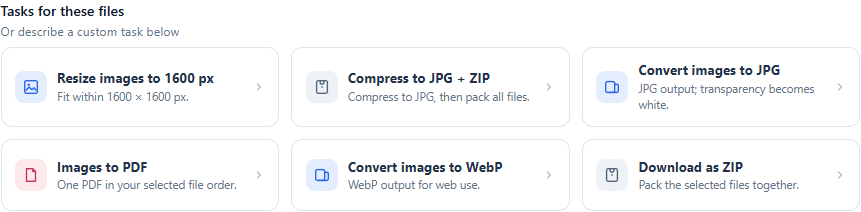
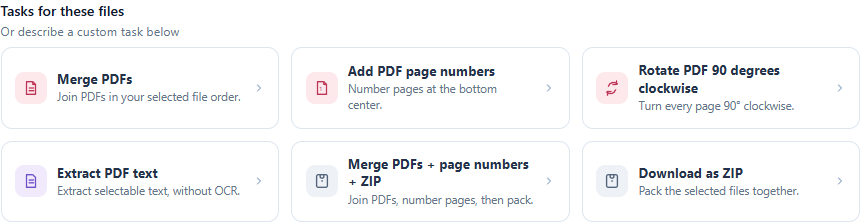
How to convert WebP to JPG without a black background
Convert WebP images to JPG in your browser, choose a background for transparency, and check quality before uploading. Use PNG when transparency matters.
Read the guide ToolMink
From format conversion to compression problems: choose a tool, follow the steps and check your output. Workbench guides also include tested samples and reusable recipes.
Open the WorkbenchChoose your task and check how your file will be processed.
Choose a background color for transparent areas.
Files processed on your device
Convert a copy, then check orientation and detail.
Files processed on your device
Set a per-image target; check readability afterward.
Files processed on your device
Fixed image optimization; no exact KB guarantee.
Files processed on your device
Review the upload notice and check the DOCX layout.
File upload required after consent
OCR produces a searchable PDF; Word is a separate step.
File upload required after consent
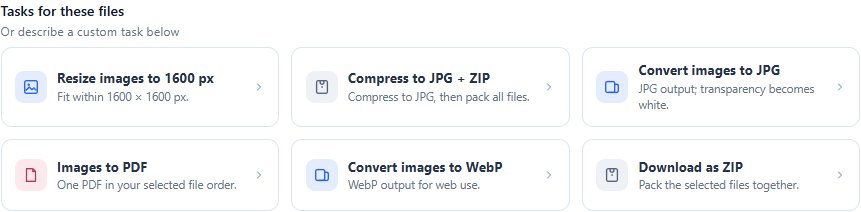
FEATURED GUIDE
Combine inspection or project photos into a single A4 PDF using a three-step Workbench template, with real screenshots and a reusable workflow.
Read the guide →No matching guides. Try another search.
Convert WebP images to JPG in your browser, choose a background for transparency, and check quality before uploading. Use PNG when transparency matters.
Read the guideMake HEIC photos compatible with JPG-only forms. Follow the browser conversion steps, compare the result, and avoid treating a renamed file as a conversion.
Read the guideChoose the right route from PDF to editable Word: test for selectable text, use OCR for scans, and check tables and layout after conversion.
Read the guideReduce image-heavy PDFs locally, check readability and upload limits, and understand why a 200 KB or 2 MB target cannot always be reached.
Read the guidePrepare a batch of images for an upload form: compress each to JPG with a 200 KB target, check the results, and collect them in one ZIP.
Read the guideCombine inspection or project photos into a single A4 PDF using a three-step Workbench template, with real screenshots and a reusable workflow.
Read the guideCombine PDF documents in order, add continuous page numbers and download a ZIP using the Workbench, with checked example files.
Read the guideDeduplicate and sort a plain-text list in one local workflow. Includes a sample file, before-and-after checks and a reusable recipe.
Read the guidePrepare several CSV exports for a developer handoff: convert each to JSON, format it and package the outputs, with checked sample data.
Read the guideSave Workbench steps as a JSON recipe, import it after a refresh and run it on a new file batch. Includes an actual import-and-run example.
Read the guideConversion guides follow the current tool interface and primary references. Workbench walkthroughs include run results from fictional samples. Each article identifies its author, dates and limitations.